

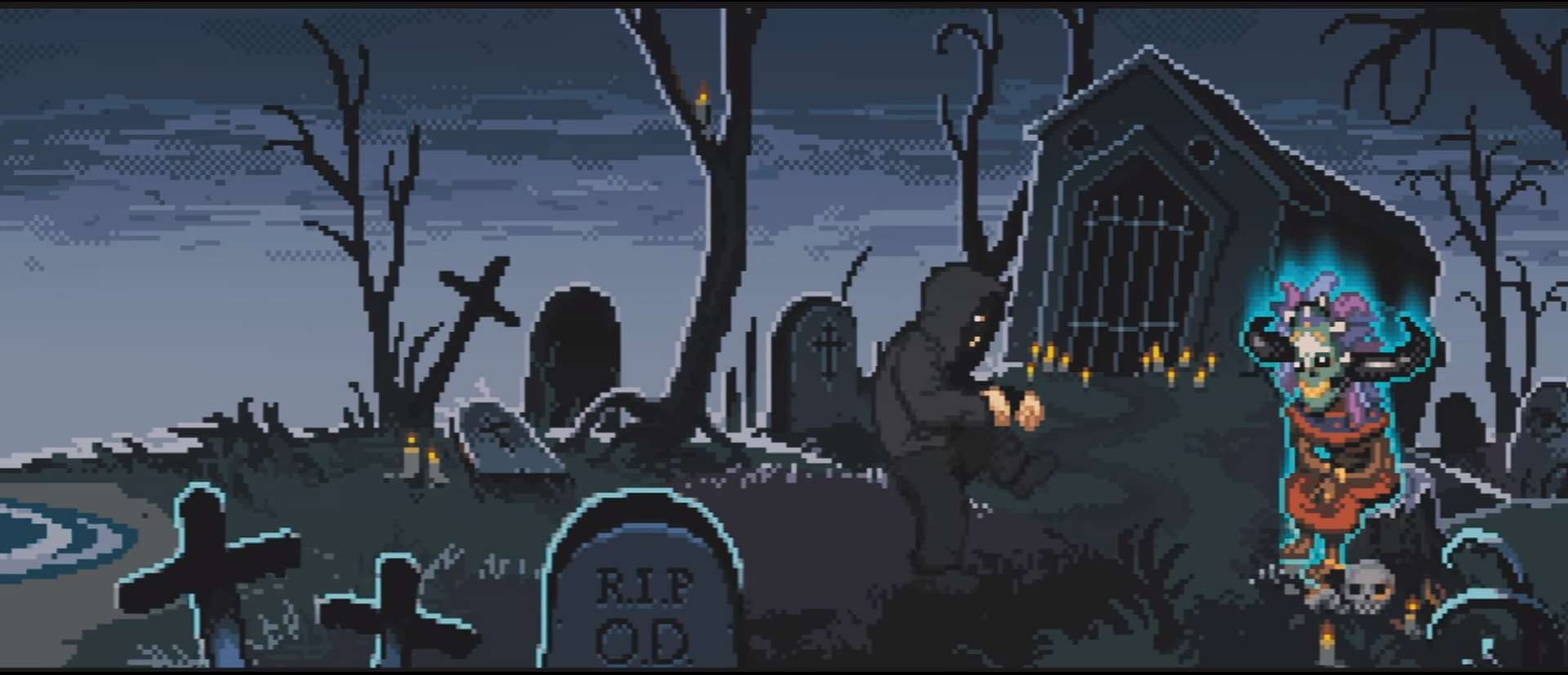

menc9re
SysOp
-
Joined
-
Last visited
-
If you mean't IDA, yes, of course in Windows too but I don't have Windows I'm AIMP fanboy personally since years of Winamp has corrupted my brain into that "workflow", will look into that 7zip ZS thanks, I have few largeass archives and it hurts me everytime I open them.
-
I will deprecate your Putty usage with this: ssh -i unstucks_key [email protected] -p 1337 IDA was a good catch, dunno why I didn't mention it, still using it in Linux world
-
What do you think are some of the best applications that have ever been released? My list: Notepad++ Only downside is that it's Windows only System Informer (previously known as Process Hacker) This is just a glorious project, once again there is no match for this in other OS: s and this is Windows only Obsidian This is a gamechanger if you do lots of stuff that needs to be documented, it's basically a glorified Markdown viewer + editor but it does that with tons of plugins, themes and easy organization of your notes and technical documentations, also works on almost any desktop or mobile platform and you can choose to sync your "vault" using Obsidians own cloud or just throw that vault folder to any basic syncing service, iCloud, OneDrive, Google Drive, Nextcloud, whatever you happen to be using AIMP Once again Windows-only application that I dont really use these days but this is just a spiritual successor to Winamp, you can swap between modern and classic layouts on almost all the themes ("skins") and tons of useful plugins, very nice project even when listening to local music is not that much of a thing anymore these days Flameshot Linux screenshot utility, basically like Windows Snipping Tool but on steroids, light+effective and there basically goes not a single day that I would not use it VSCode and it's variations, OSS, VSCodium etc. After "regular" Visual Studio there were small "IDE-wars" that happened and this was the one that everyone ended up using, Atom, Brackets etc. faded away, I've had zero reasons to use regular Visual Studio anymore, only use case I can imagine is C# + WPF since the built-in XAML editor s actually very necessary
-
1. What made you get into coding/developing? Unhealthy relationship to my parents + abuse as a child lead me to find solitude among other autists, weirdos and losers in the internet, AKA cheating community, I think it was the better end result since I could have become a bronie or a furry 2. Are game cheats the only development project you practice? No, I also develop anime indie games and mental issues 3. How long did it take you to acquire the skill to make a stable cheat? Do you have any regrets on doing so? Not very long, running away from my father chasing me with a belt slowed down the process quite a bit, I only regret that I didn't stash power cables to my room so I could have continued coding after he stole the cable 4. If you lost the ability to code/develop one day, but had the opportunity to learn something different with equivalent skill to coding, would you do it? I would become an elevator repairsman, elevators are very interesting 5. What's the longest coding session you've ever had? 3 years, 7 months, 2 weeks and some hours
-
One million bucks payment upfront and I'll make you any kind of deadlock cheat you can dream of, hell I'll integrate it to Arduino + Fleshlight combo and it even sucks your dick for that money, brews you coffee and kisses good night.
-
boost::asio
-
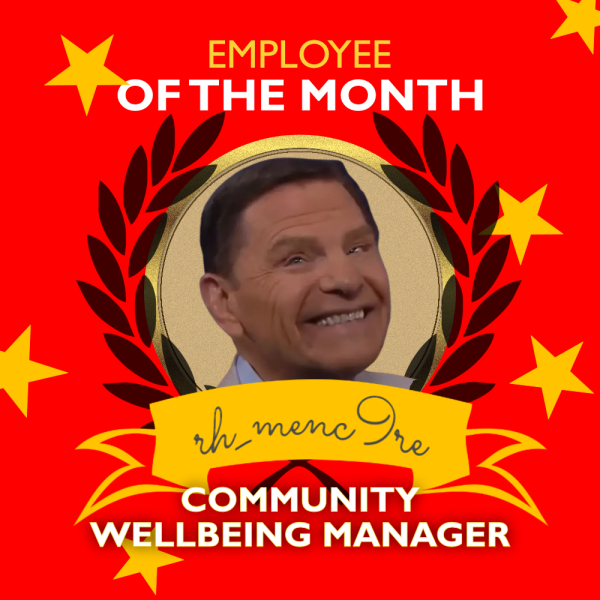
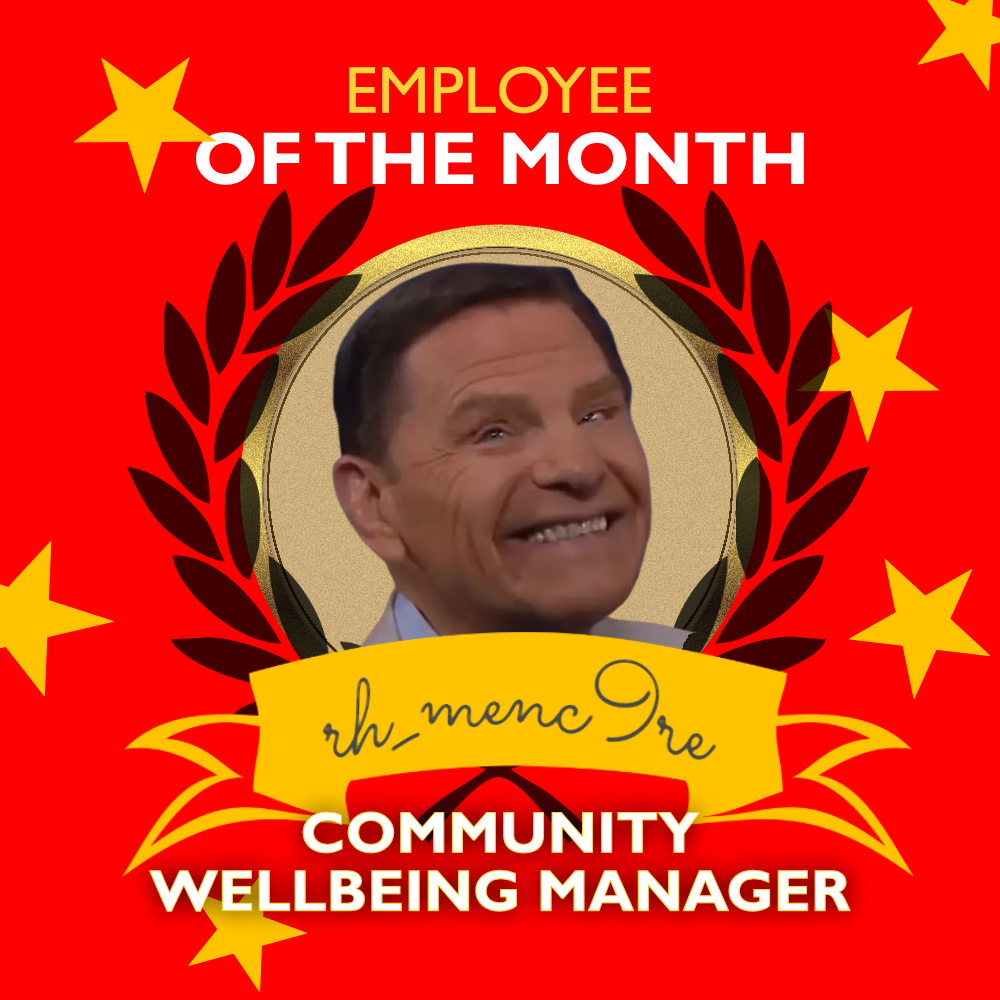
We are excited to recognize Menc9re as this month’s Employee of the Month at RoyalHack! 🎉 As our Community Wellbeing Manager, Menc9re has been instrumental in creating a welcoming and supportive atmosphere for all members. Their tireless efforts to ensure everyone feels valued and heard have truly strengthened our community. From organizing wellness initiatives to providing a listening ear, Menc9re’s commitment to our wellbeing shines through every day. Let’s all congratulate Menc9re for this well-earned achievement! Drop your messages of appreciation and gratitude below! 🙌
-
Congratulations to menc9re – Employee of the Month, September 2024!** We are thrilled to announce that **menc9re** has been selected as **Employee of the Month** here at RoyalHack! 🎉 As our **Community Wellbeing Manager**, menc9re has consistently gone above and beyond to foster a supportive and positive environment for everyone. Whether through organizing community events, providing helpful resources, or simply being a caring presence in our forums, menc9re’s dedication has truly made a difference in our community. Please join us in congratulating menc9re on this well-deserved recognition! Keep up the amazing work, menc9re – we are incredibly fortunate to have you on the team! Let’s celebrate by leaving a message of appreciation below! 👏
-
KEEP ROLLIN, ROLLIN, ROLLIN, ROLLINBest solution is asking the answer from God, I will always pray in front of my computer and next thing I know Holy Spirit fills me and code just appears to the monitor. When you realize that you don't "learn" anything but it's just Lord's spirit inside a hollow vessel it makes sense.it's ALIVE, it's ALIIIIIIIIIVEEEEIt's a false positive that is caused by antivirus heuristics. Consult your antivirus documentation how to add RoyalHack loader into it's exclusions list.







Important Information
Read Terms of Use to continue
Account
Navigation
Search
Configure browser push notifications
Chrome (Android)
- Tap the lock icon next to the address bar.
- Tap Permissions → Notifications.
- Adjust your preference.
Chrome (Desktop)
- Click the padlock icon in the address bar.
- Select Site settings.
- Find Notifications and adjust your preference.
Safari (iOS 16.4+)
- Ensure the site is installed via Add to Home Screen.
- Open Settings App → Notifications.
- Find your app name and adjust your preference.
Safari (macOS)
- Go to Safari → Preferences.
- Click the Websites tab.
- Select Notifications in the sidebar.
- Find this website and adjust your preference.
Edge (Android)
- Tap the lock icon next to the address bar.
- Tap Permissions.
- Find Notifications and adjust your preference.
Edge (Desktop)
- Click the padlock icon in the address bar.
- Click Permissions for this site.
- Find Notifications and adjust your preference.
Firefox (Android)
- Go to Settings → Site permissions.
- Tap Notifications.
- Find this site in the list and adjust your preference.
Firefox (Desktop)
- Open Firefox Settings.
- Search for Notifications.
- Find this site in the list and adjust your preference.