


UnstucK
SysOp
-
Joined
-
Last visited
-
if you tell me what is this ksaikok anticheat, i'll tell you :D
-
-
-
-
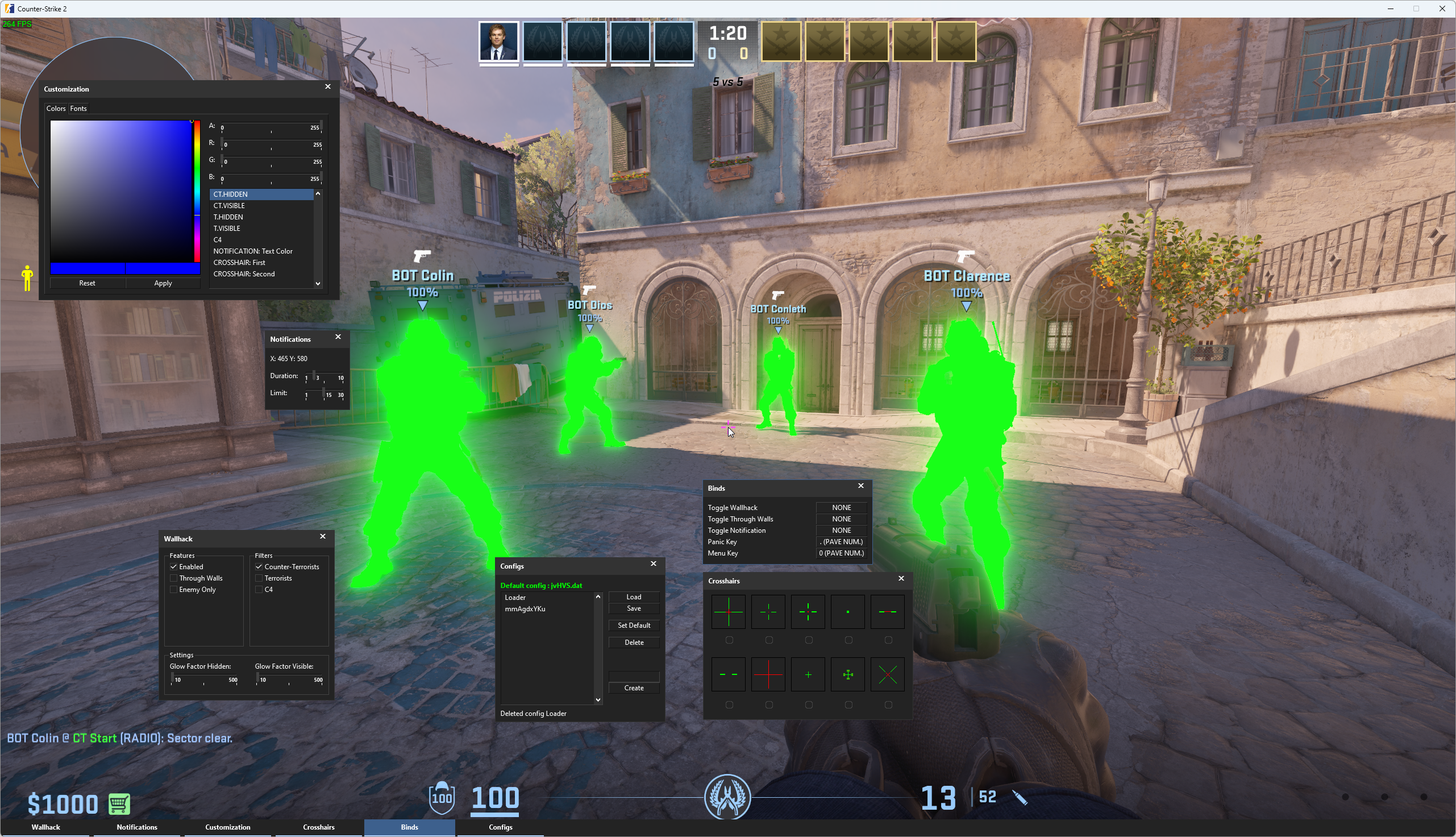
Yes it has been fixed What other issues did you have except ennemies only ? And yes aimbot is coming very soon !
-
I'll check in few hours, maybe a game update broke somethingI mean the hack is still working yes ! The features you mentioned are not yet implemented.massive performance fix is coming todayhi ! i must investigate this for sure, i have 0 fps drop from this new method, can you tell me when the FPS starts dropping exactly ? any particular option ?We won't support Apex for sure, will see about ARC
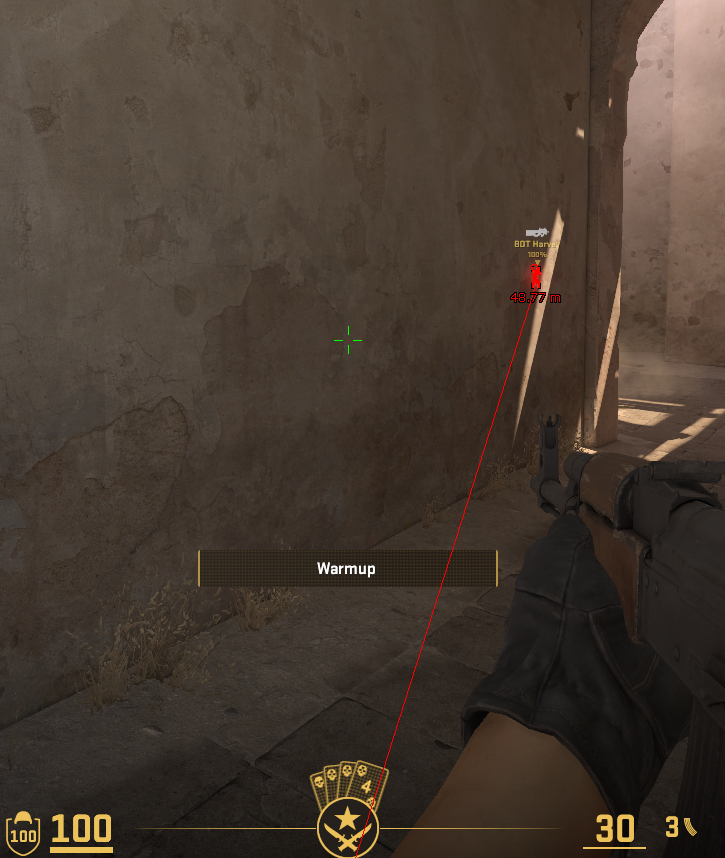
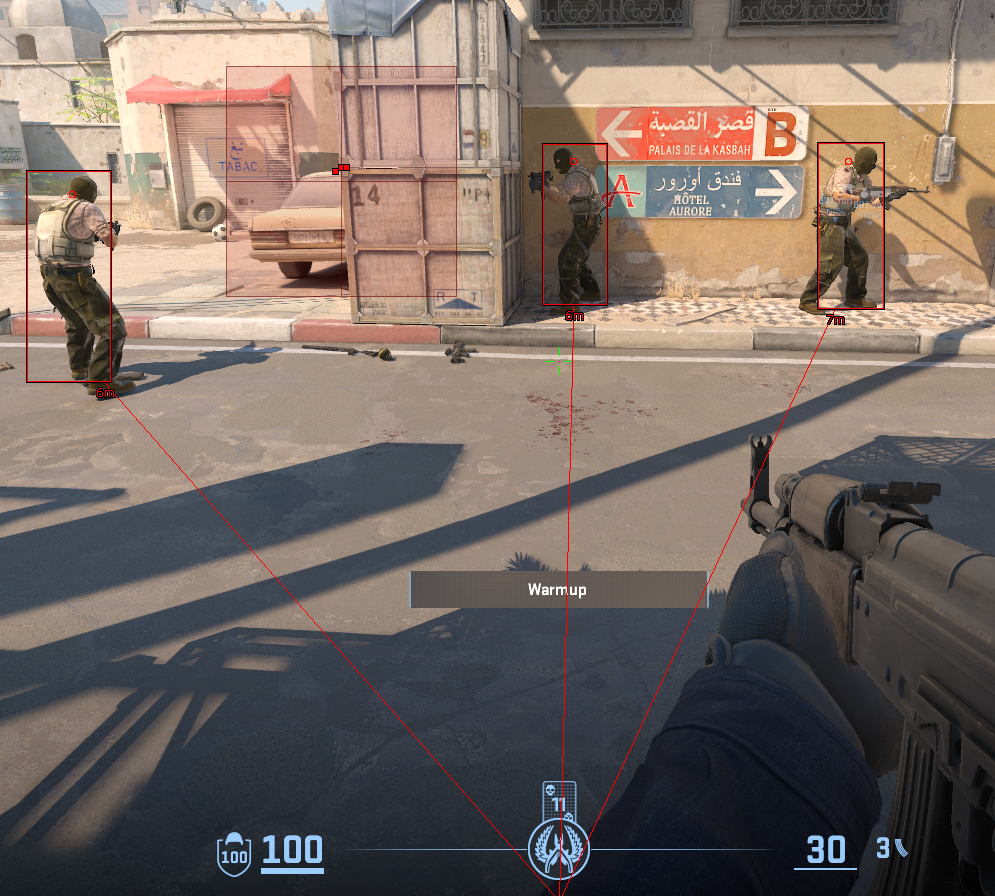
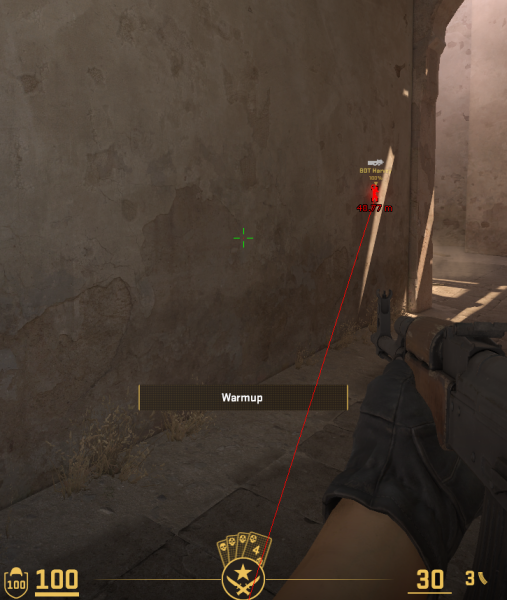 world's first pure DirectX ESP on CS2 coming
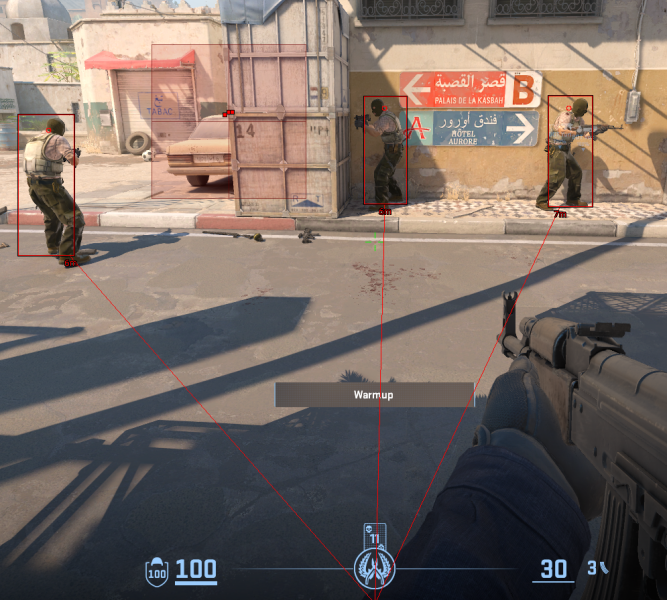 hey still working on it, big surprise coming for next CS2DX updateThe update is still ongoing, I'm currently finishing new anti flash (which allows you guys to adjust the transparency of the flash effect, and also the color), same thing for the anti smoke




Important Information
Read Terms of Use to continue