


UnstucK
SysOp
-
Joined
-
Last visited
Everything posted by UnstucK
-
I see, thanks for the hint must play the game to understand what hackers need infact
-
It's quite problematic to hack in those games, WOT for example, almost everything is server sided, except aimbot, we can't do much actually. We didn't look deeper into WOT though so who knows what we'll find. CSS & SWBF & L4D2 -> nop -> dead games
-
We won't approach Blizzard games for good reasons. Arma 3 and Project Argo, why not, but it's the same thing with BattlEye as with EAC, we have to be very careful with our security before releasing anything.
-
Hai, Just want to know which games deserves to be hacked in 2016. Here's my list, I will explain why later. Rust CSGO ARK Arma 3 Team Fortress 2 GTA 5 MP GMOD World of Tanks Battlefield 1 All the games I selected -> because of their gameplay & the actual "active" players stats. What do you think ? And please explain your choice (even different games than those listed). LETS TALK
-
4 beta testers removed because of inactivity 4 new beta testers approved
-
UPDATE CSGO Hack BETA has started. Rust BETA will start later.
-
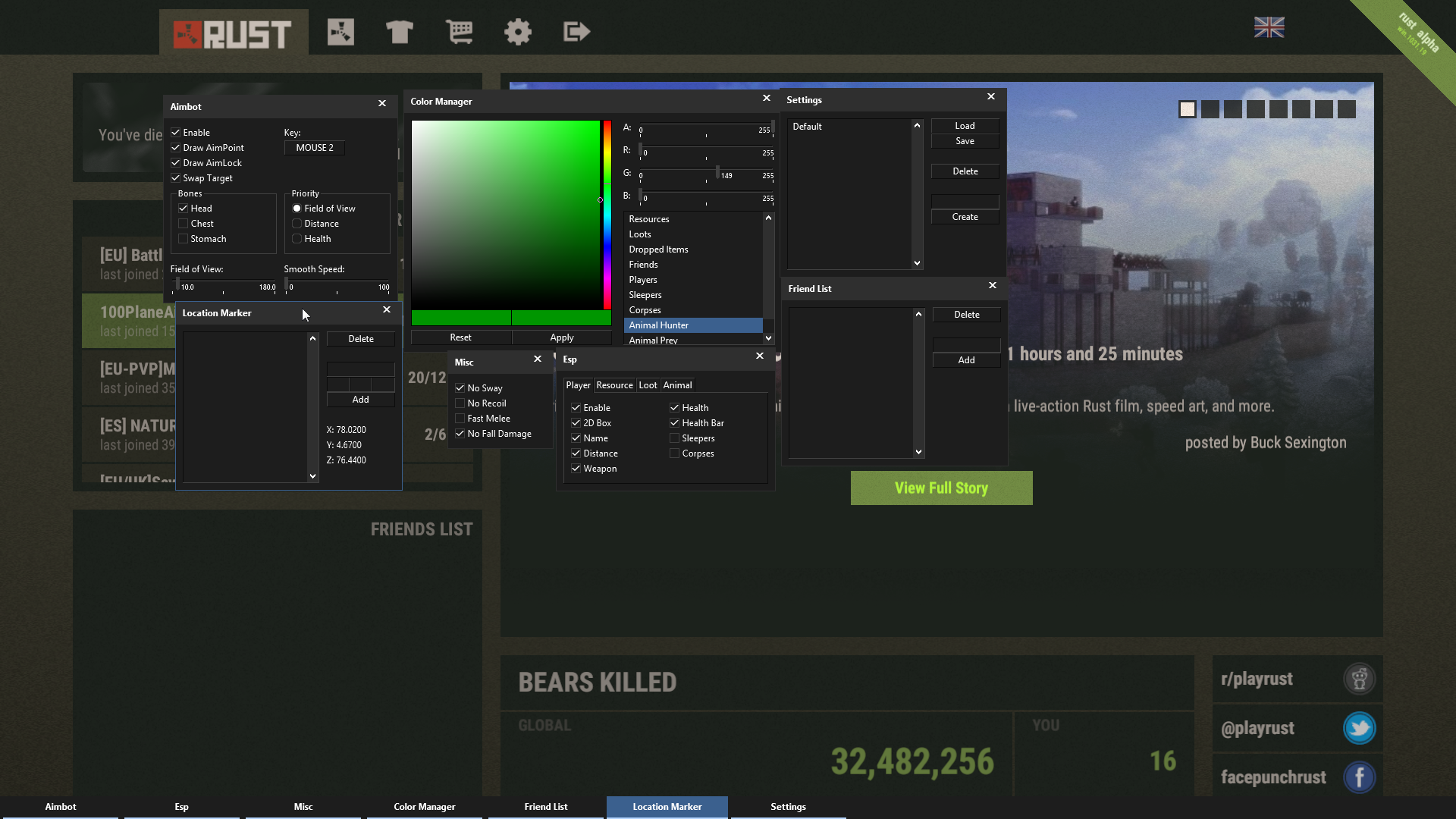
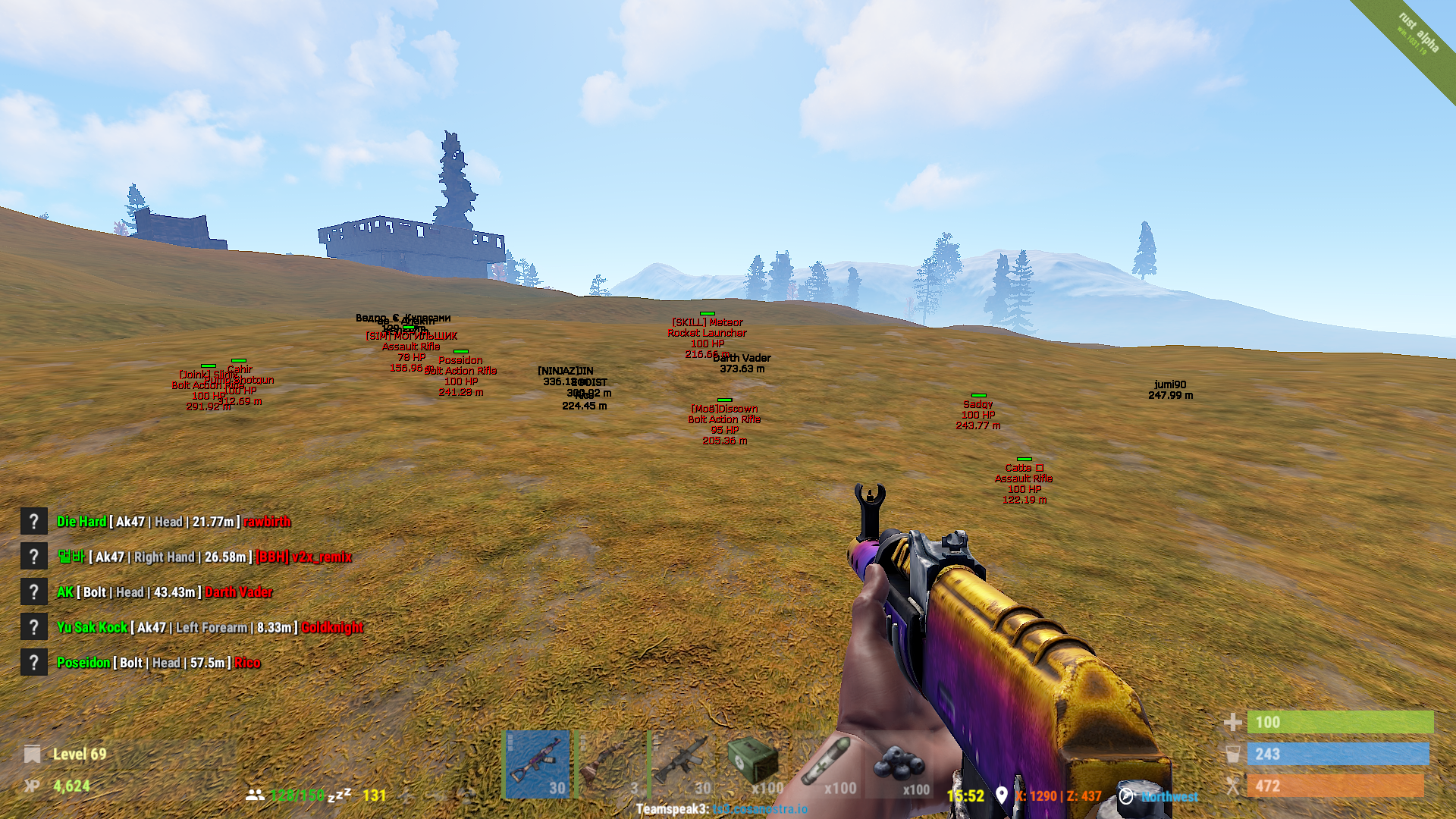
Frequently Asked Questions 1. How can I purchase the hack? You can purchase the hack through the following links: Main Store: https://royalhack.net/store/ For Russian users: https://royalhack.net/russia/ For additional payment methods, visit our resellers: https://royalhack.net/forums/forum/41-partners-area/. 2. System Requirements Operating System: Windows 7, 8, 10, or 11 (32-bit and 64-bit versions supported, including all editions such as Home, Pro, etc.). Graphics: A Direct3D-compatible graphics card (compatible in nearly all cases). 3. Is the hack internal or external? The hack is fully internal. 4. Can I edit my profile? Profile customization (e.g., profile picture, cover picture) is available only to donators. 5. What is your refund policy? Refunds are provided only if the hack is verified as non-functional on your system after thorough investigation. Note: We log specific data to help diagnose and resolve any issues (see the next section for details). 6. What data do you collect from my system? We collect only system-specific data necessary for functionality and debugging, including: Hardware ID (HWID). Debugging information, such as injection success or errors. We do not access or collect personal files or sensitive information from your system. 7. Can using this hack result in a ban? While we prioritize security, no hack can guarantee 100% protection. Anti-cheat teams may analyze and adapt to our software, especially for widely sold solutions. Warning: Using hacks aggressively (e.g., "rage behavior") can result in bans due to player reports. This is outside our control. 8. Are trials available? We do not offer free trials. However, most hacks are available with affordable weekly subscriptions, allowing you to test them over a short period. 9. What if I need help? Pre-Sales Questions: Use the public forum "Pre-Sales Questions" for assistance before purchase. Technical Support: For software issues or suggestions, contact us through the private area on the forum. 10. Can I share my account or the software? Account and software sharing is strictly prohibited and monitored. Violations result in an immediate ban without warning. The software is unique to your account and system. Using it on a different computer may cause errors. 11. What happens if I format my computer or change hardware? HWID Binding: Your Royal Hack account is permanently linked to your computer’s HWID on first login. Reinstallation: Reinstalling Windows will not affect your HWID. However, hardware changes may require an HWID reset. HWID Reset Options: A free HWID reset is available once per month. Additional resets can be purchased from our store. 12. What is HWID, and what data does it include? Your HWID is a unique identifier based on your system hardware. We may log the following for functionality: HDD/SSD serial number CPU and GPU details Motherboard information (including BIOS version) Operating system details Session name and IP address This allows us to provide secure and reliable service while preventing unauthorized use. Note: We do not access personal files or sensitive data.More and more games uses 3rd party anticheats, we won't even have the choice. Let's face it, gonna be hard (but possible) if we want to sell many.UpdateUpdate! -> Spread the word ! Refer members and get a higher chance of being selected for the Beta program.Hello, We will be running a BETA testing wave. We will only allow a few randomly picked members to access the BETA. Beta Testers will have full access to any Royal Hack content, which will be revoked at the end of BETA period. At the end, Beta Testers will have a special rank, special discounts on our products, and free early access to new hacks (for Beta Testing purposes). How to join the BETA ? Reply to that thread. Specify your Operating System and the (supported) Games you are playing. (See example below) Beta testers agrees to the following: Never share any BETA binaries Never share RH account Screenshots / Videos / Streaming are allowed Posting weekly feedback, positive or negative (if no communication, access will be revoked immediatly) -> Spread the word ! Refer members and get a higher chance of being selected for the Beta program. Example:3 radars when 1 ain't enoughhttps://royalhack.net/topic/7-rh-gui-theme/ this ?If by so cheap you mean 2€ like we used to do, no. Prices are not yet decided.Hai want to know if i'll be vacbant cuz of aimbot plz thankso freaking beautiful can i hav the edited file ?not really, only this one https://royalhack.net/forum/images/metro/bw/misc/vbulletin4_logo.pngMy favorite Looks epic ! Anyway to get our hands back on this one ? To get an original file to use in our videos & to edit the logo to make it bigger & maybe better :cool:When disabled, the aimbot will only change your view on the horizontal (yaw) axis. It's there so if you want to pull down your crosshair yourself, you can



Important Information
Read Terms of Use to continue
Account
Navigation
Search
Configure browser push notifications
Chrome (Android)
- Tap the lock icon next to the address bar.
- Tap Permissions → Notifications.
- Adjust your preference.
Chrome (Desktop)
- Click the padlock icon in the address bar.
- Select Site settings.
- Find Notifications and adjust your preference.
Safari (iOS 16.4+)
- Ensure the site is installed via Add to Home Screen.
- Open Settings App → Notifications.
- Find your app name and adjust your preference.
Safari (macOS)
- Go to Safari → Preferences.
- Click the Websites tab.
- Select Notifications in the sidebar.
- Find this website and adjust your preference.
Edge (Android)
- Tap the lock icon next to the address bar.
- Tap Permissions.
- Find Notifications and adjust your preference.
Edge (Desktop)
- Click the padlock icon in the address bar.
- Click Permissions for this site.
- Find Notifications and adjust your preference.
Firefox (Android)
- Go to Settings → Site permissions.
- Tap Notifications.
- Find this site in the list and adjust your preference.
Firefox (Desktop)
- Open Firefox Settings.
- Search for Notifications.
- Find this site in the list and adjust your preference.