
UnstucK
SysOp
-
Joined
-
Last visited
Everything posted by UnstucK
-
It's fun ! Messing with computers since forever, it's a passion, for me at least No, it's actually 10% of my time Unsure what you mean by a stable cheat, a working cheat perhaps ? To be honest I have no clue, once you understand things, it's very quick to write a basic cheat. No, software engineering forever Have no idea about that too, but I never went on a 24H coding session for sure, at some point you just gotta sleep
-
Nice catch. I'm fixing that aswell, the new patch is coming
-
If I were you, i would first start learning the basics, how a computer works, what's an operating system, then go on with C programming. Think of a software you would like to implement, a basic one (most developers starts by coding a calculator, it's a classic), and just read C/C++ tutorials, then try to implement yourself. The most important part is: experiment, do not be scared to crash your program, who cares, as long as you understand every single line of code, you'll make progress As for materials, i have no clue to be honest, i learned programming a while ago, there are probably hundreds of very good websites/books to grab now, just pick one and focus !
-
Hello, you must use the default TF2 rendering, aka DX9
-
@thesstraight i updated the crosshairs, tell me if you have any issues with them now i'll move on to fixing CS2 issues
-
thanks for the screenshot, will fix
-
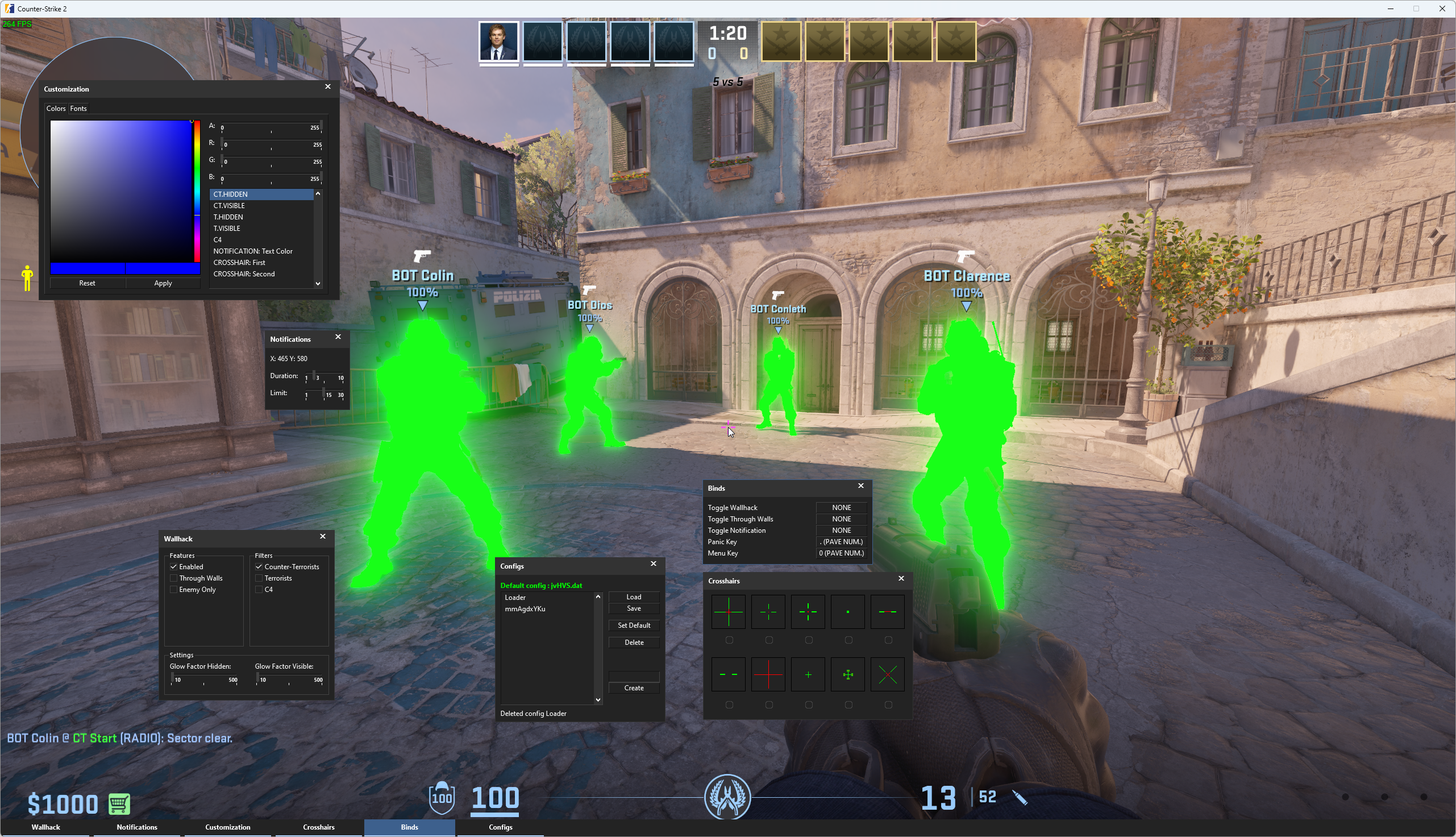
CS2 Hack deserve an update yep. Can you take a screenshot of the crosshair issue please ?
-
-
Hello, Should be fixed now
-
Yes, it is a bug since a recent backend modification of mine. I will fix it tomorrow, and will extend all L4D subscriptions by 2 days as compensation.
-
It means your subscriptions will automatically be renewed/paid (weekly/monthly/yearly based on what you select). You can enable it now, and disable it later, or just opt-out for auto-renewal
-
-
-
Hello, We have automated activation already, if you purchase from us directly, using paypal or cryptos. You instead purchased through a reseller, you have to wait for his approval and our activation in this case. Your subscription has been activated less than 2 hours after RH received the notification from the reseller, which is considered a short delay. Next time, if you want it instantly, just pay it directly from our store.
-
No hablo espanol dominico ! activated !
-
Very much deserved ! Congratulations !
-
Duplicate post
-
Can you show us a screenshot of your aimbot config ?
-
Congraluations, very much deserved !
-
Hello, only telegram purchases are instant if done through our store. If using reseller its a matter of few hours
-
Thank you very much for your detailed review merci ! 🇫🇷
-
It has been patched
-
Silent Aim is the normal client sided one on our gmod hack
-
Hmmmm yea will take a look at visibility check again
-
Hello, Of course the GMOD hack still works The aimbot is working and as long as you use the humanize features and don't go crazy with it, you will bypass all anticheats.