

DODS Premium
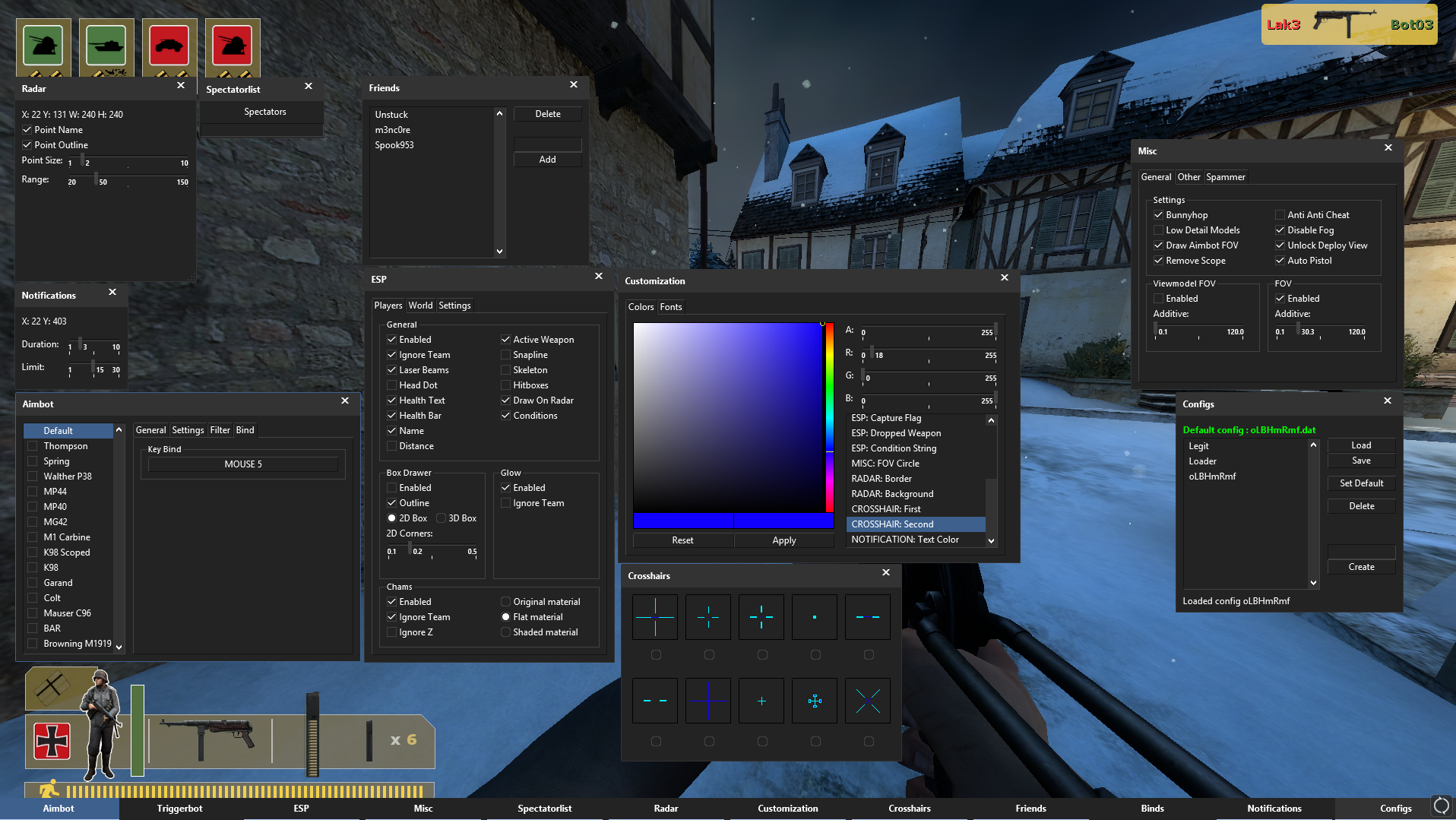
[AIMBOT]
- Master Switch
- Auto Shoot
- Vertical Aim
- Auto Duck
- Norecoil
- Nospread
-
Target Hitboxes
- Priority (Prefer closest hitbox to crosshair, or most damage)
-
Aim Type
- Plain, Smooth, Silent, Perfect Silent
-
Aim Priority
- Select target closest to you, or closest to your crosshair
- Aim FOV
- Aim Smooth
- Aim Smooth Max Limit
-
Autowall
- Minimum damage (Required damage to penetrate before shooting at the target)
-
Filter
- Target Players
- Ignore Teammates
- Ignore Friends
- Ignore Spawn Protected
-
Bind
- Custom Key which activates aimbot while held
[Triggerbot]
- Master Switch
-
Hitgroups
- Selectable target hitgroups (head, chest, stomach etc.)
-
Type
- Normal, Nospread, Seed (Force seed with "no spread")
- Duration (Duration to hold attack, after target is acquired)
- Delay (Delay before attacking, after target is acquired)
-
Filter
- Target Players
- Ignore Teammates
- Ignore Friends
- Bind
- Custom key which activates triggerbot, while being held
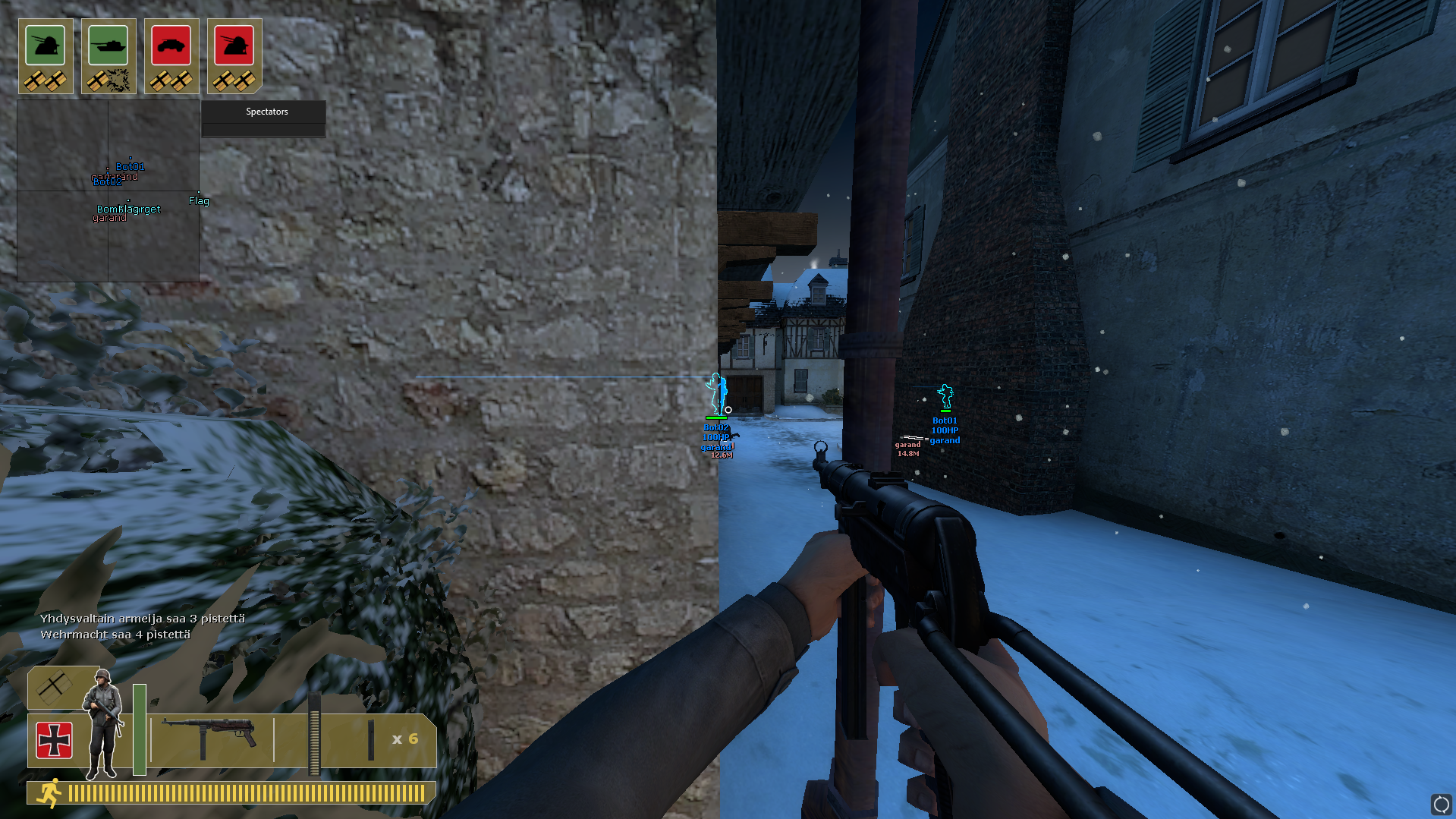
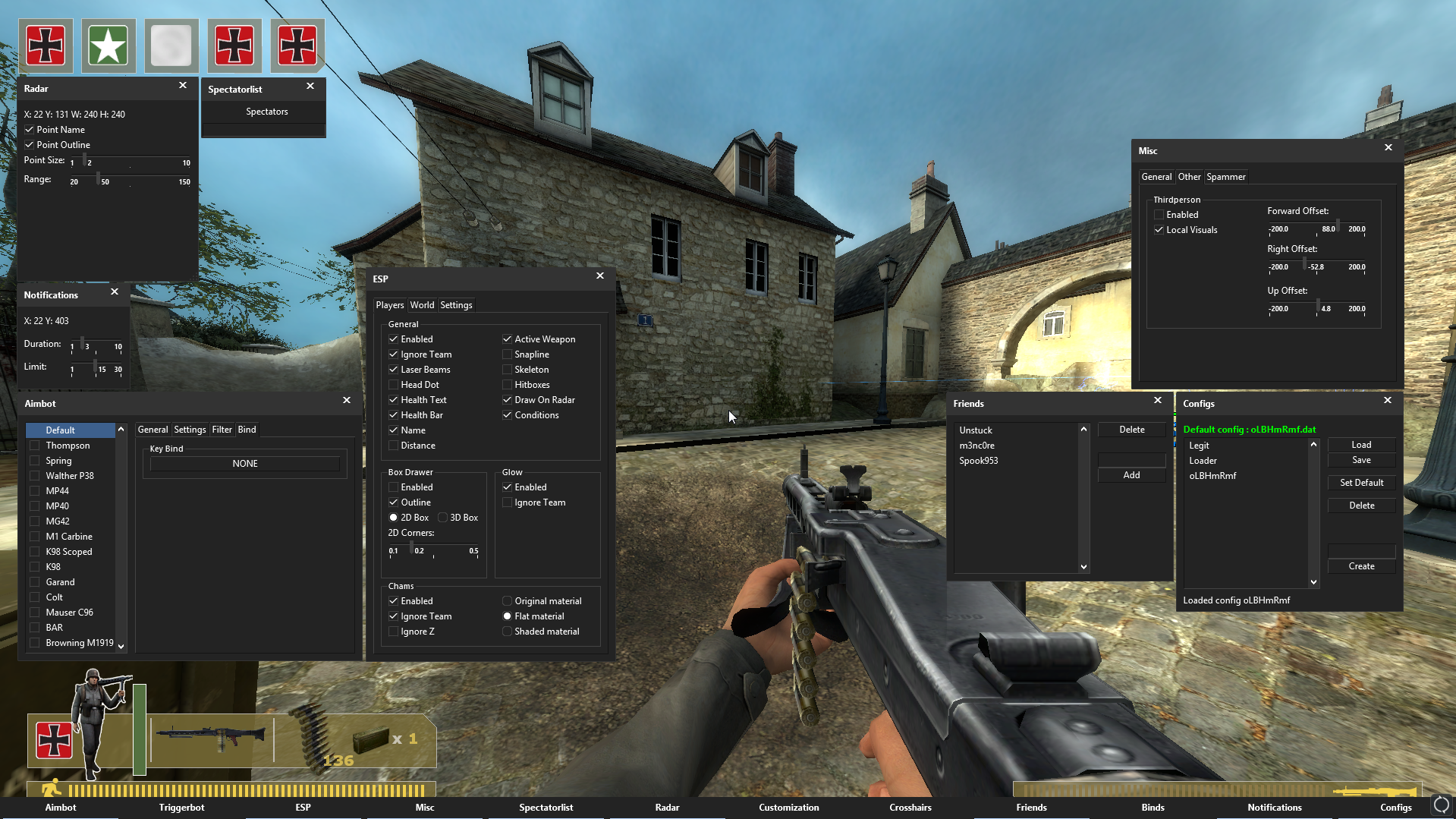
[ESP]
- Master Switch
- Ignore Teammates
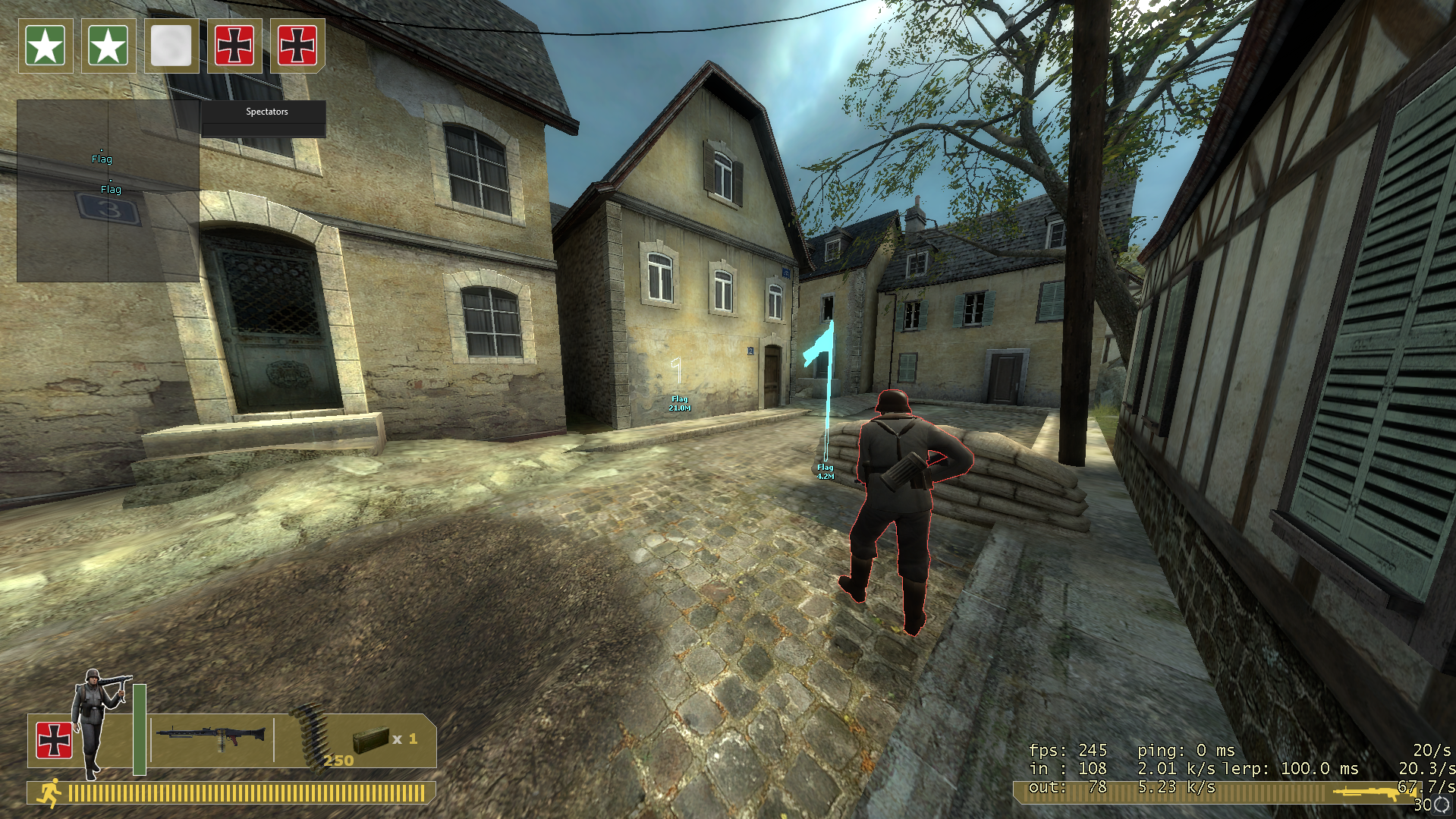
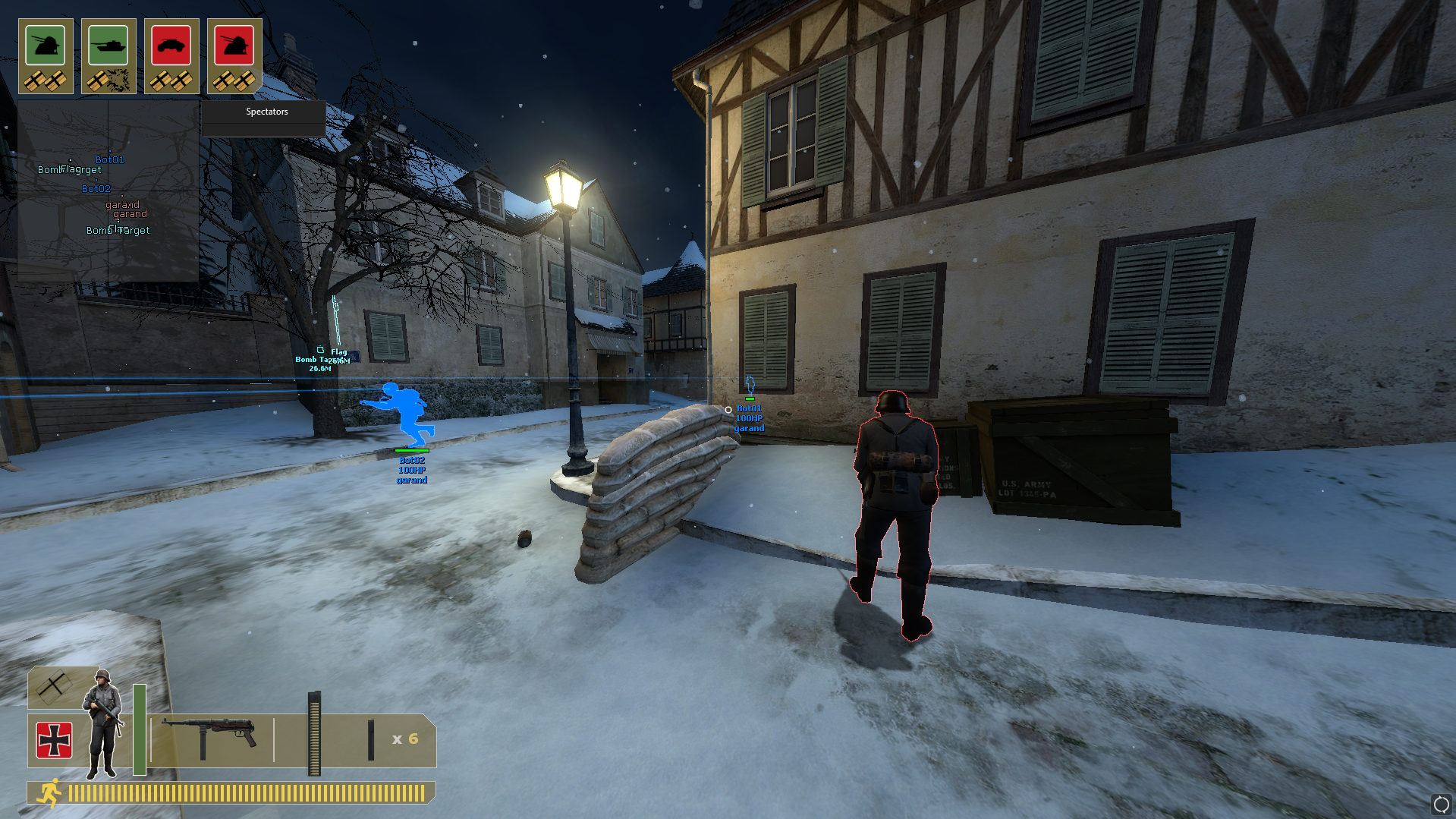
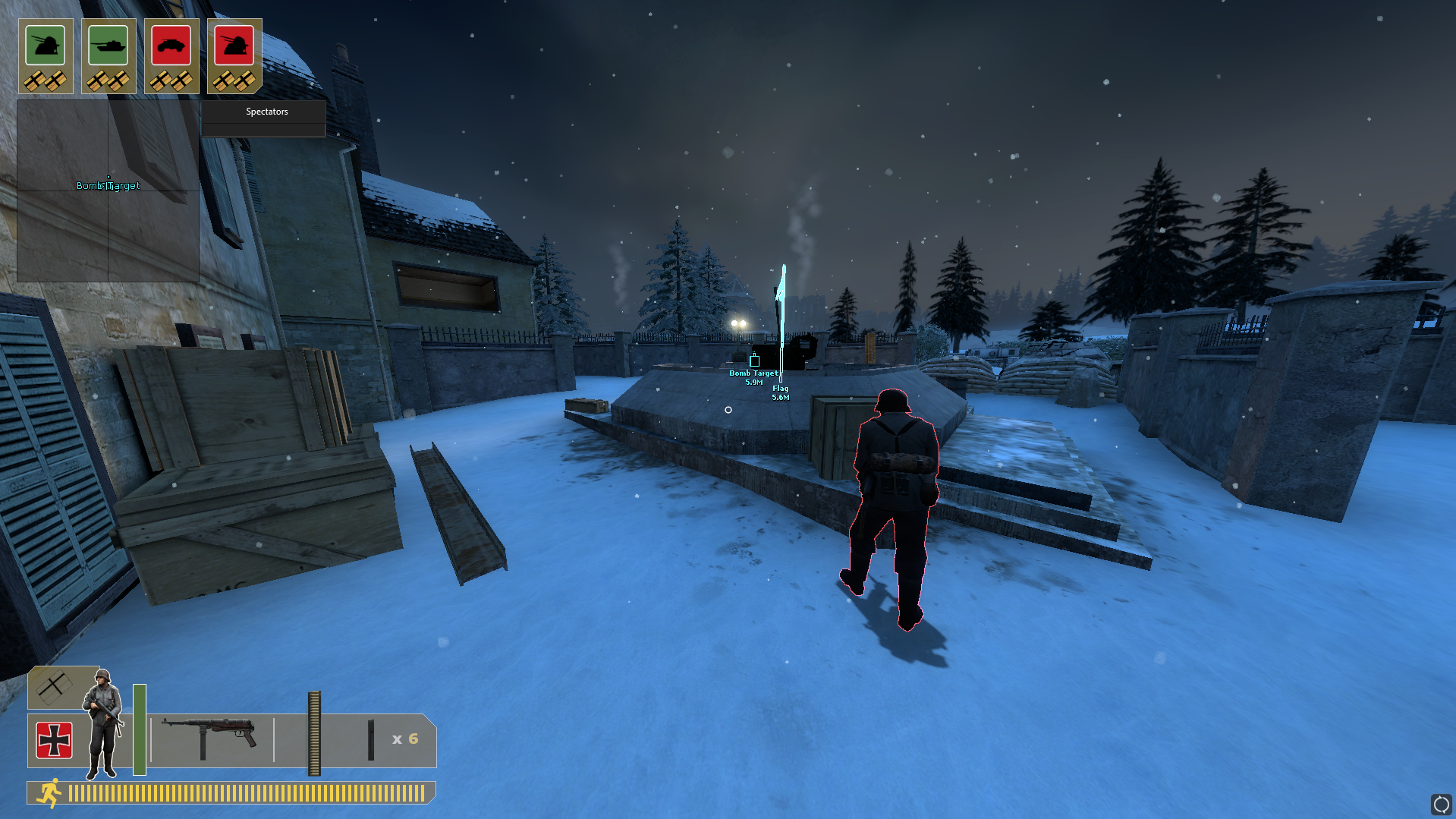
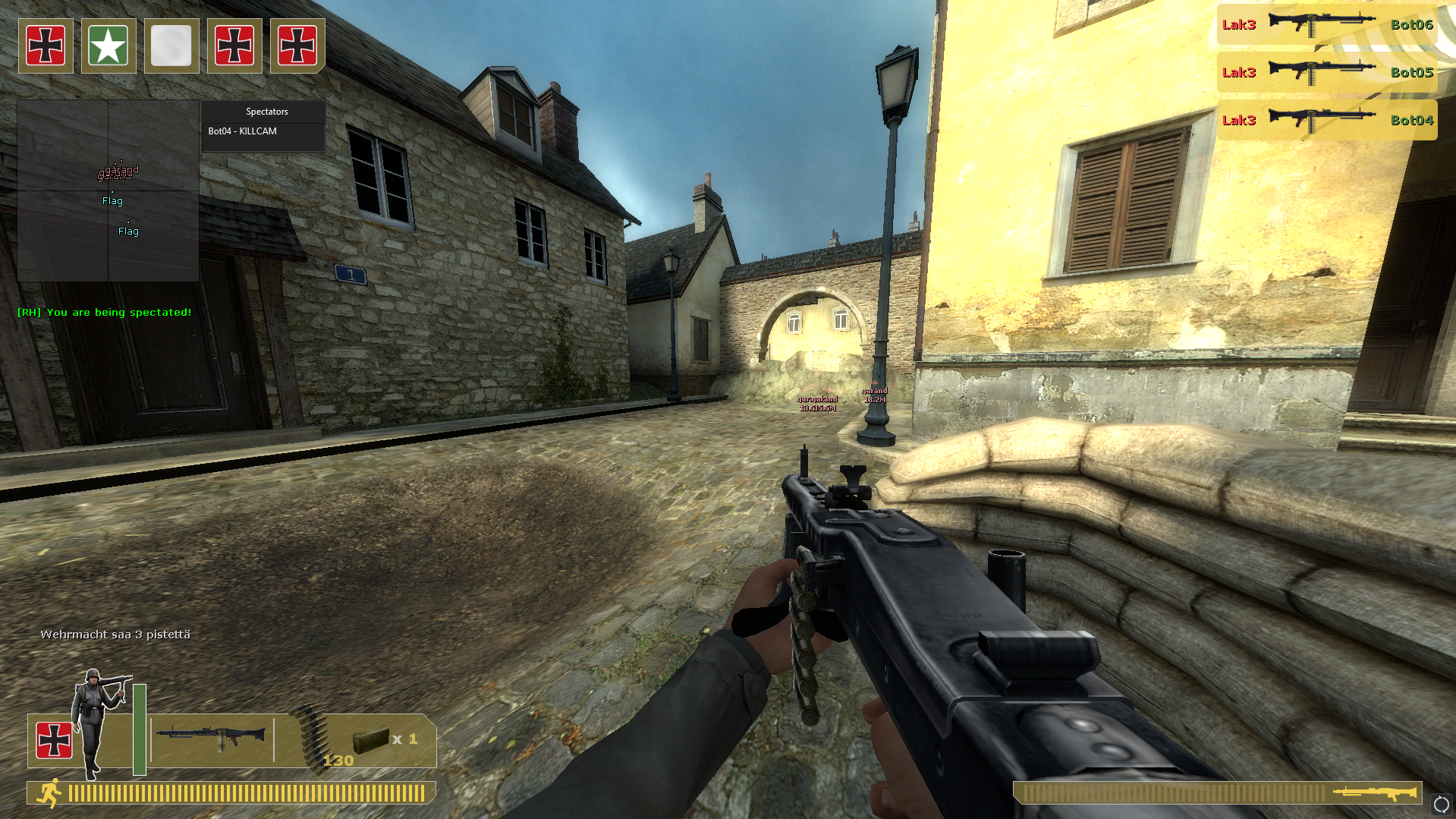
- Laser Beams (Show player view direction and distance)
- Health Text
- Health Bar
- Head Dot (Draw a dot on players head)
- Name
- Distance
- Active Weapon
- Snapline
- Skeleton
- Hitboxes
- Draw On Radar (Draws the entity on radarhack as well)
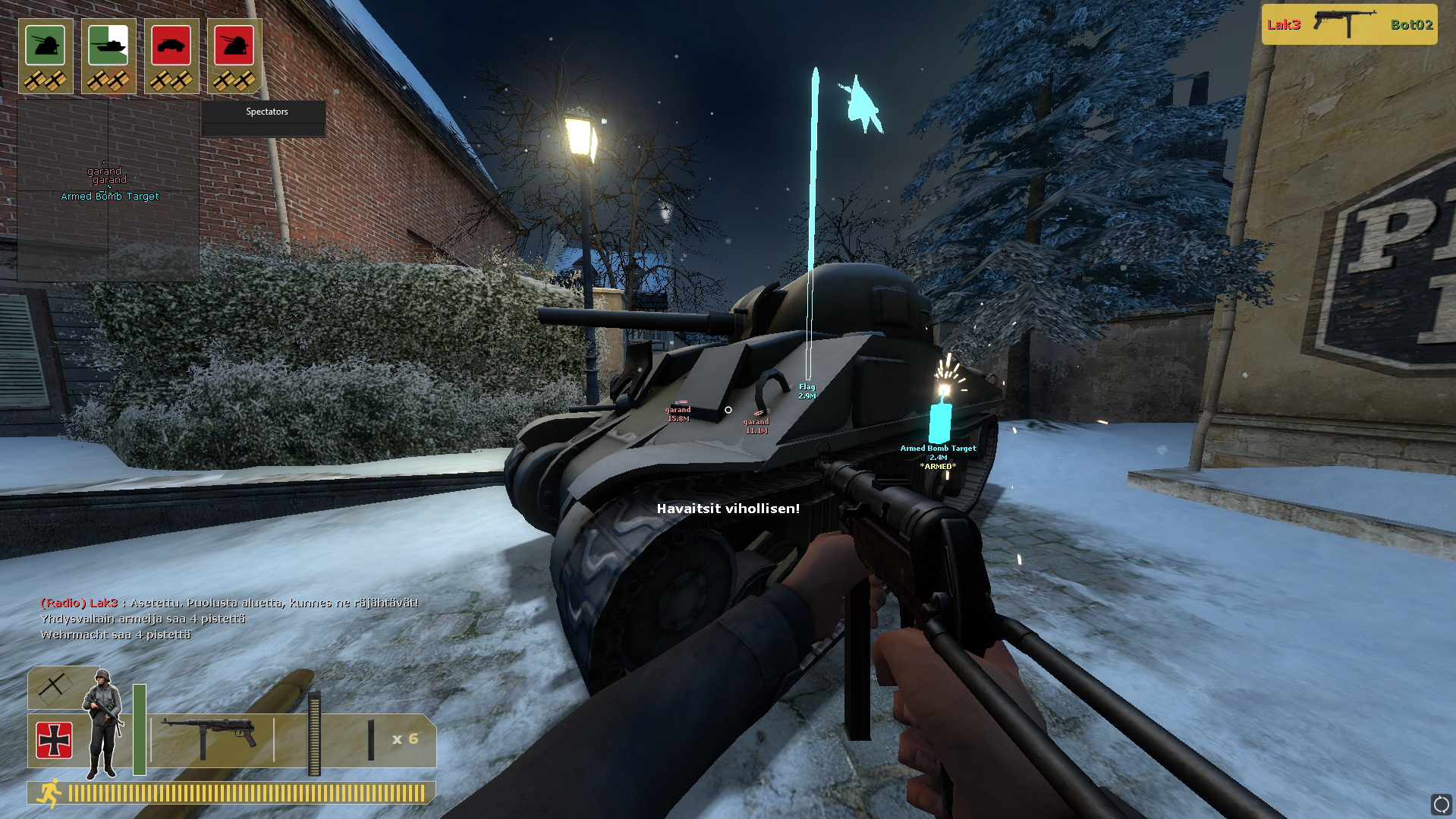
- Conditions (Display entity conditions, if it has any)
-
Box Drawer
- Enabled (Enable / disable BOX ESP)
- Outline (Should the box be outlined or not?)
- 2D or 3D box
- 2D box corner length
-
Glow
- Enabled
- Ignore Teammates
-
Chams
- Enabled
- Ignore Teammates
- Ignore Z (Draw trough walls)
- Custom material
-
Settings
- Glow Style (Blur or sharp outline, with custom blur amount)
- ESP item position (where to draw the ESP items? Top of the entity, bottom, left etc.)
- Laser Beam settings (Customize beam width and alpha)
-
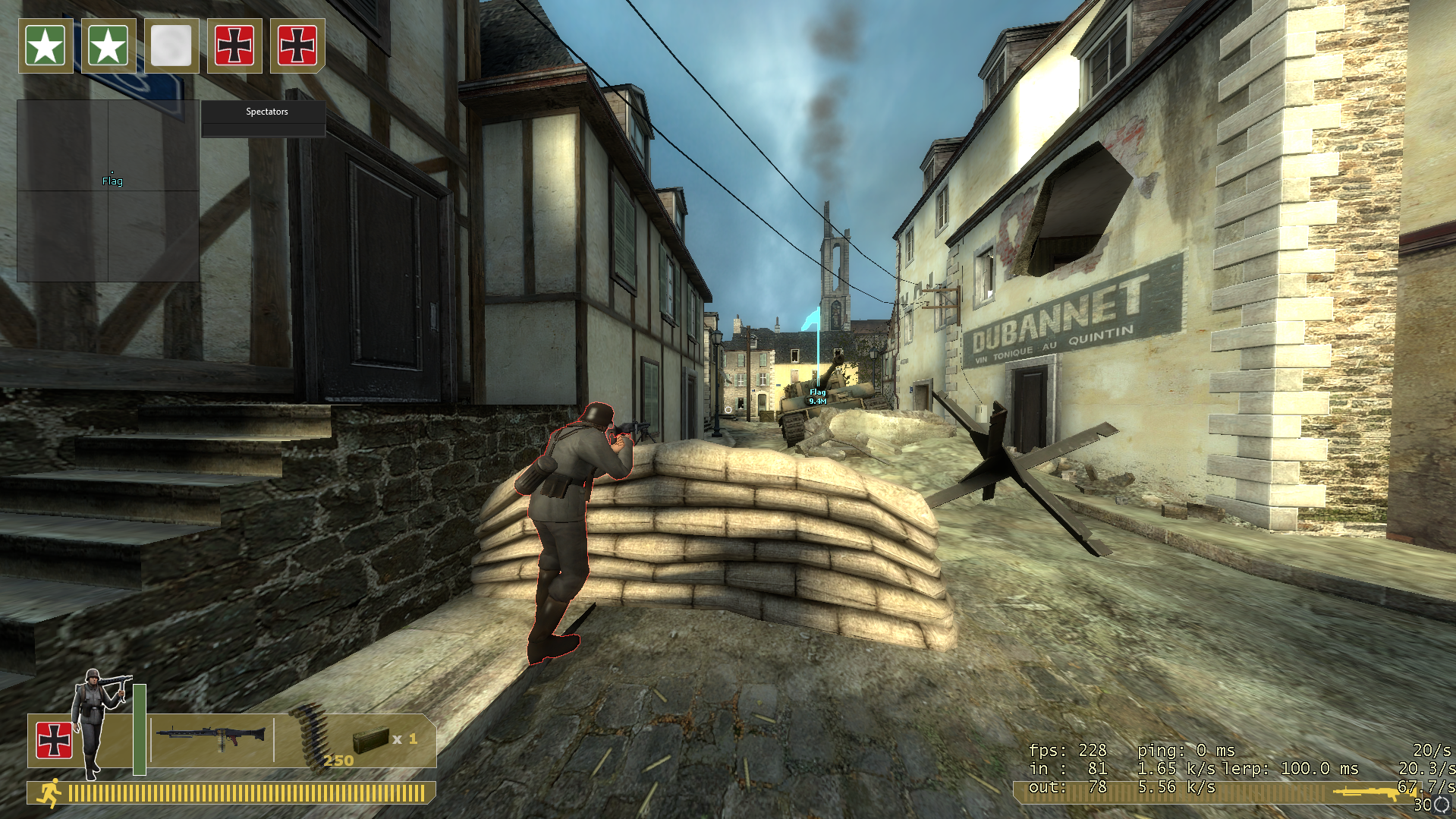
World ESP (bomb targets, throwables, flags, dropped weapons)
- Glow, Chams, same visuals as the players have
[MISC]
- Bunnyhop
- Low Detail Models (draw all models with high LOD)
- Draw Aimbot FOV (draw the fov of currently active weapon)
- Remove Scope (remove sniper scope overlay while zooming)
- Anti SMAC (prevent viewangle snaps)
- Disable FOG (stop FOG from rendering)
- Unlock Deploy View (Unlock view restrictions, while using a deployed MG)
- Auto Pistol (Automatically spam with pistols and other semi-auto weapons)
-
Viewmodel FOV
- Enabled
- Viewmodel FOV additive amount
-
FOV
- Enabled
- FOV additive amount
-
Other
- Thirdperson, with custom view offsets and ability to draw visuals on localplayer
-
Spammer
- Chat spammer, to spam custom messages into the game chat
[SPECTATORLIST]
- Show players which the game reports as spectating you, and in what mode (THIRDPERSON, FIRSTPERSON etc.)
[RADAR]
- Point Name (Enable / disable names drawn on the points)
- Point Outline (Enable / disable outline drawn on the points)
- Point Size (Size of the points drawn on the radar)
- Range (Range of the radar)
[CUSTOMIZATION]
- Set custom color for each entitygroup
- Set custom font for each entitgroup
[CROSSHAIRS]
- Draw one of the custom crosshairs that the plugin has to offer
[FRIENDS]
- Add players to a friendlist, so they get an unique color and can be ignored in Aimbot, Triggerbot etc.
[BINDS]
- Set custom keys to bind certain plugin functionality ON / OFF
[NOTIFICATIONS]
- Notification system notifies you of in game events, you being spectated etc.
[CONFIGS]
- Create, save and load custom configs with custom names